Sequence objects are used in MotifLab to refer to specific sequence segments of a genome,
but this data type does not contain any additional information about what is going on at these locations (apart from some metadata).
Further location-specific annotations are kept in
feature datasets which come in three different types:
- DNA Sequence Datasets hold the actual DNA sequence from the corresponding sequence segment (one base letter for each position)
- Numeric Datasets hold information that can be represented numerically along the sequence (one value for each base position)
- Region Datasets hold information about discrete sub-segments with specific properties within the sequence segment
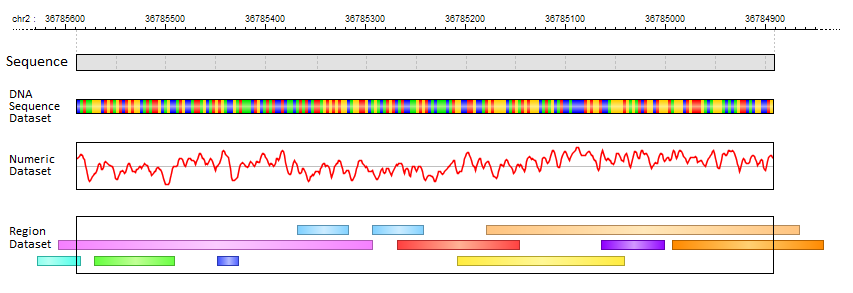
In MotifLab's graphical user interface, all Feature Datasets are listed in the "Features" data panel which is usually located at the top of the left panel, and the feature data tracks
themselves are shown for each sequence in the Visualization Panel. You can configure the visual appearance of feature tracks by right-clicking on a dataset in the "Features" panel
(or selecting multiple by holding down the SHIFT or CONTROL keys) and then select options from the context menu or with keyboard short-cuts.